
Copy CSS from Website in One Click
- Extract CSS from webpage, copy HTML and CSS code, and reuse website UI blocks faster with the CSSPicker browser extension.
- Get clean, reusable code from buttons, forms, cards, and navigation without digging through DevTools or full page source.
How to Copy CSS from a Website
Extract CSS and HTML from any webpage in 3 simple steps
Install the Extension
Install CSSPicker from the Chrome Web Store so it is ready whenever you want to copy CSS from a website.
Select the Element
Open the extension and hover over any website element. CSSPicker highlights the exact block you want to copy.
Copy CSS and HTML
Copy the extracted styles, grab the HTML structure, or convert the result into reusable React or Tailwind code for your project.
Real-World Use Cases
See how developers copy webpage styles and rebuild UI faster
Clone Responsive Navigation
Need a polished header or mobile menu? Copy CSS from website navigation blocks and keep the responsive breakpoints, spacing, and hover states intact.
Copy Navigation CSS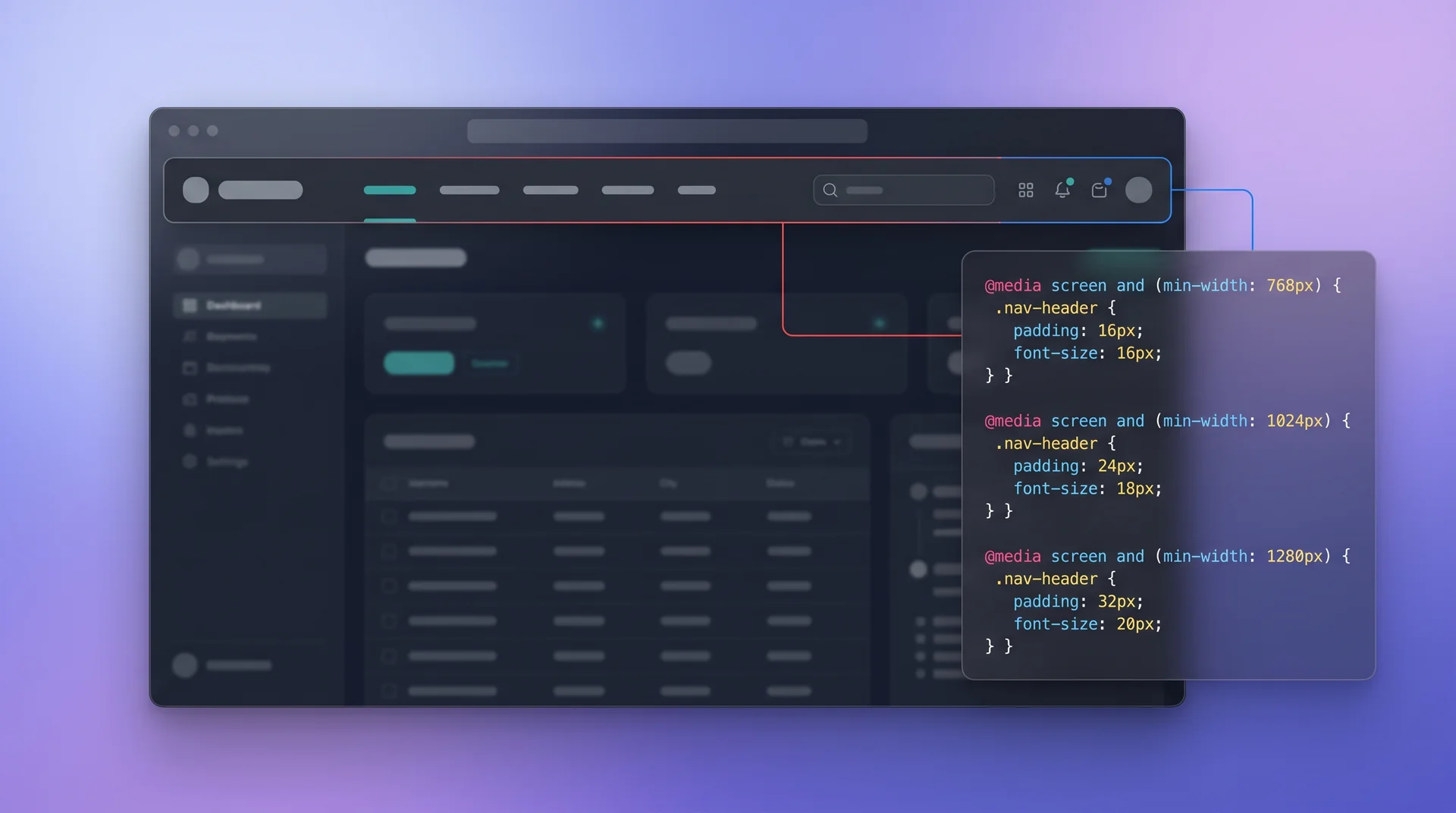
Extract Component Styles
Found a card, pricing block, or CTA worth reusing? Extract CSS from a specific element, keep the HTML structure, and turn it into a clean component faster.
Extract Component Code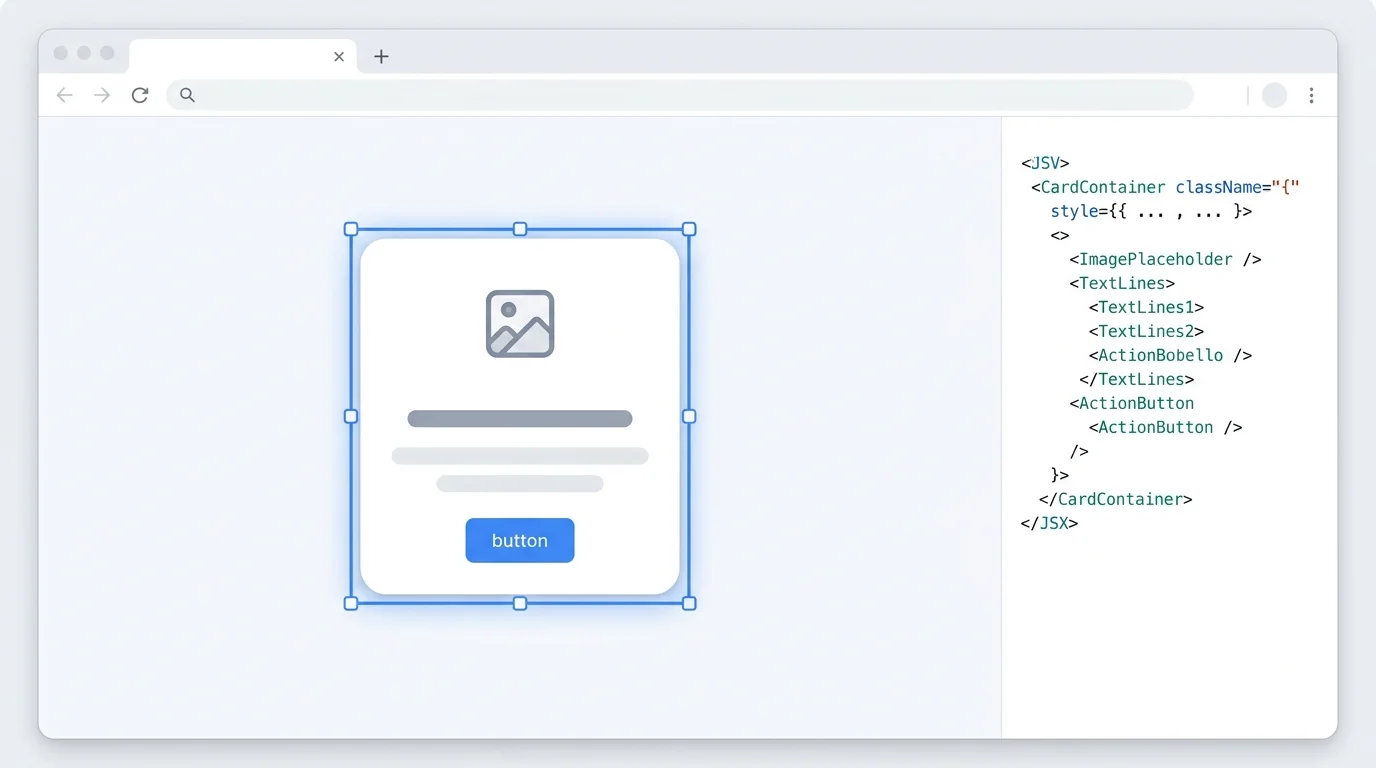
Copy Form and Input UI
Reuse polished forms without rebuilding them from scratch. Copy HTML and CSS from website forms, including focus states, validation styles, and input spacing.
Get Form Styles
Why Choose CSSPicker to Copy Website CSS
Extract Complete CSS for Any Element
Capture the styles that matter, including inherited rules, pseudo states, spacing, and responsive media queries, without copying an entire stylesheet.
Copy CSS from iframe Content
Extract styles from embedded UI blocks inside iframes, then reuse the copied HTML and CSS as React, Tailwind, or plain front-end code.
Clean Output You Can Reuse
CSSPicker helps you turn copied website UI into cleaner, easier-to-read code so you can adapt layouts faster instead of cleaning messy source by hand.
Frequently Asked Questions
Answers for developers who want to copy CSS, HTML, and UI patterns from websites